Corrections & Submissions

Correction entry fields

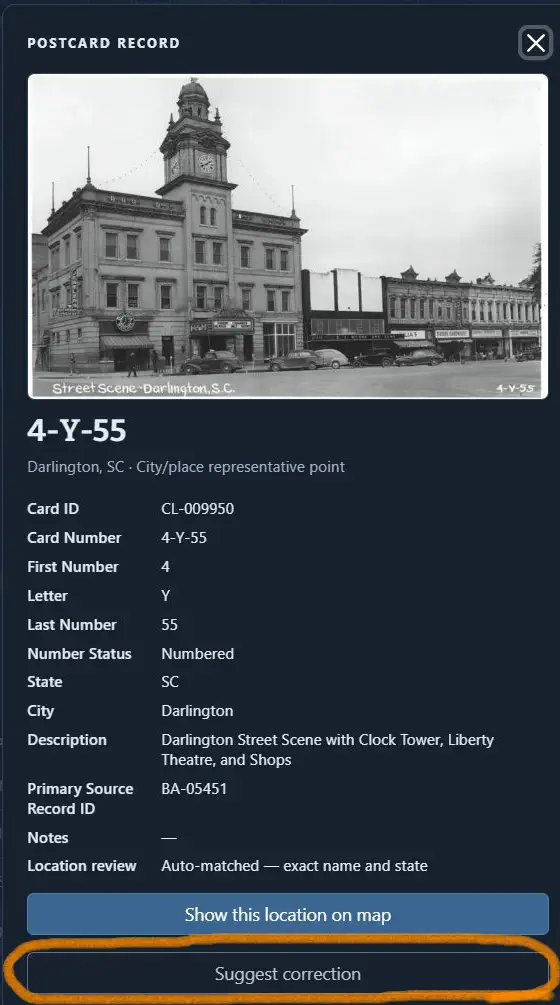
Corrections are welcomed if supporting information is provided and the process below is followed. Use this link to expose the suggest corrections button on selected cards.

Enter the information to be corrected

Only card number, state, and city will be updated.

Descriptions are optional – but not maintained due to the scope of the project/database.

Then Save suggestion.
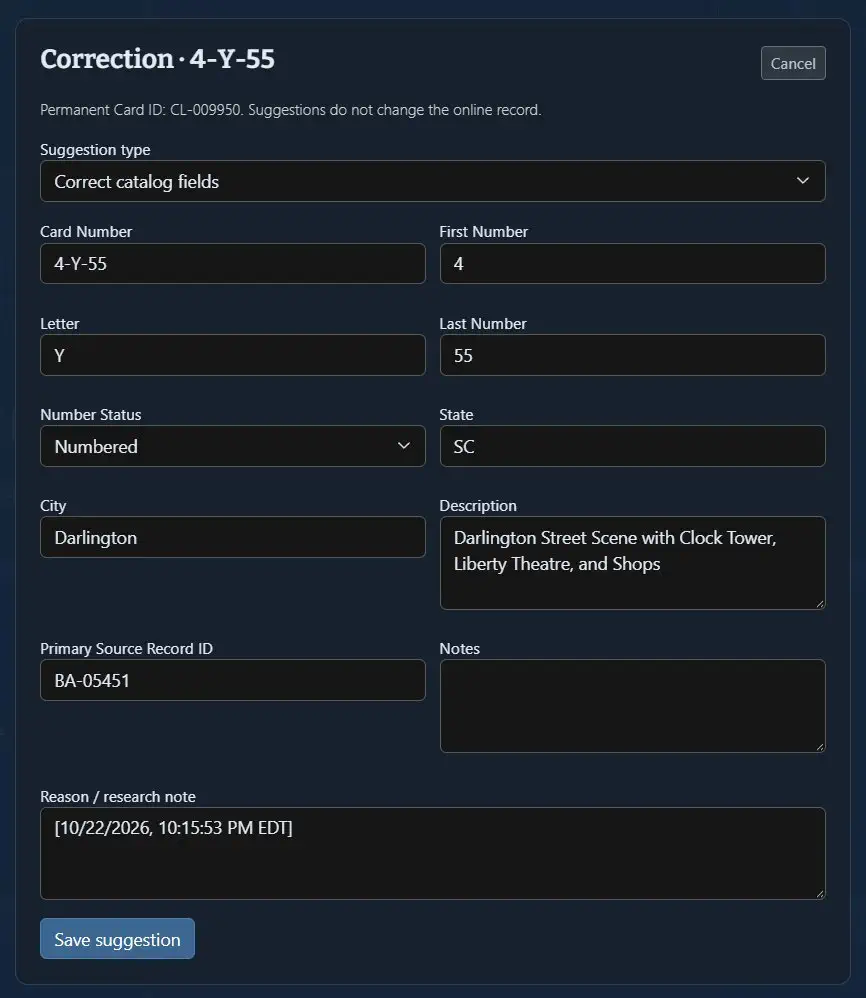
Save a correction suggestion
Corrections ready to submit

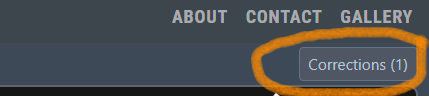
As suggestions are entered, note the top right of the page will show total number of corrections are ready to submit. This information is retained by using the same browser until submitted.

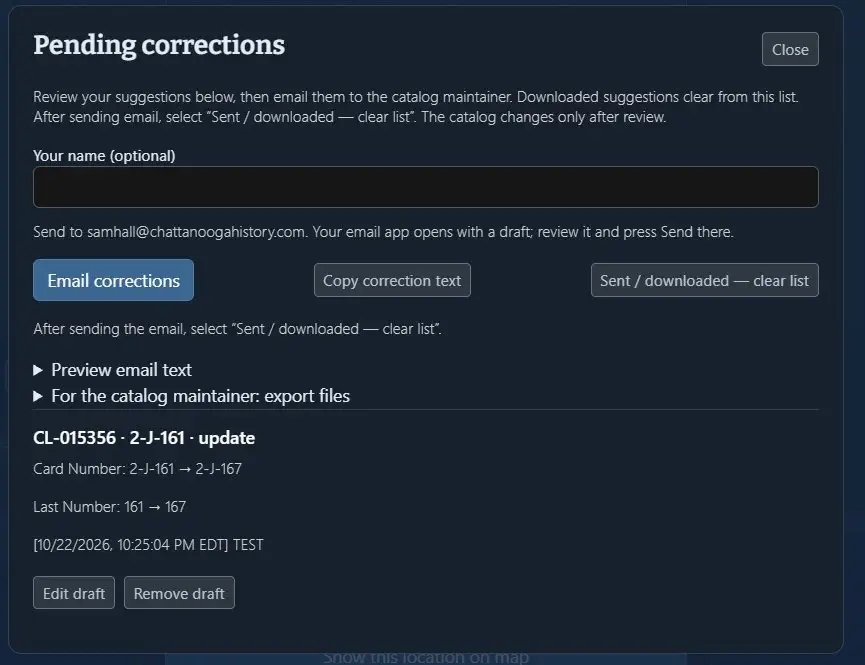
When ready to send – click the Corrections button and enter your name.


Email corrections will include all the submissions.

Remember to click sent/download – clear list to reset corrections to zero.

Send corrections and clear the saved list

Submitting Images

Only black & white Real Photo Postcards (RPPCs) are covered here.

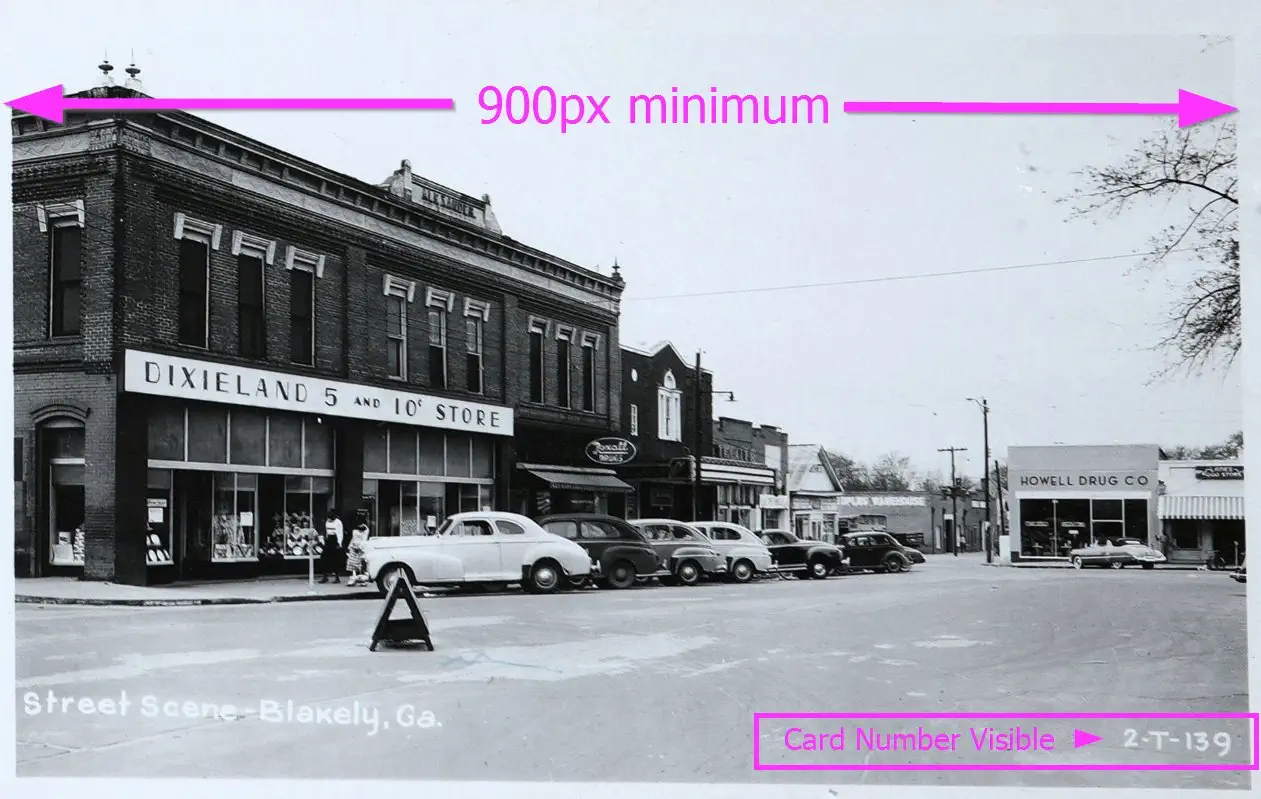
To submit a postcard image it must be a min. of 900px on the long side. Check the card number first to ensure it’s not already represented (or a unique different version). Contact me to receive the access information to upload.

Example postcard image submission

Contact

Use this form to ask a question or request access to submit postcard images.